Inside owned cases
Every agent task belongs to a case with an owner, a next step and a date. What an agent can't finish goes back to that owner.
Explore OrchestrationsehaXG AI agents
Agents check claim and authorization statuses and prepare and submit claims, authorization requests and appeals through digital channels. They work inside the cases your team owns, apply the rules your hospital has learned, and stop for a person where your rules say so.
Digital follow-up, with a clear record.
Case scope verified
Preparing context
The reviewer sees the evidence and intended destination before the agent continues.
Synthetic product demo · No patient data or external actions.
Built around your team
Agents are only as good as the work they join. In sehaXG they act inside owned cases and with the checks learned from your own denials, so everything they submit has an owner, a reason and a record.
Read: three habits of a revenue team that gets paidEvery agent task belongs to a case with an owner, a next step and a date. What an agent can't finish goes back to that owner.
Explore OrchestrationAgents run the same checks before they submit: the payer's rules and the rules learned from your denials.
Explore IntelligenceStatus checks, claim and authorization submissions and appeals, with every step recorded on the case.
The digital tasks agents take on, on top of owned work and your hospital's rules.
Agents prepare the claim from the case, run the same checks your team would, payer rules and learned rules included, and submit it through the payer's digital channel once it passes.
A closer look
Agents work on owned cases with your hospital's rules: the first two layers make the third one safe.
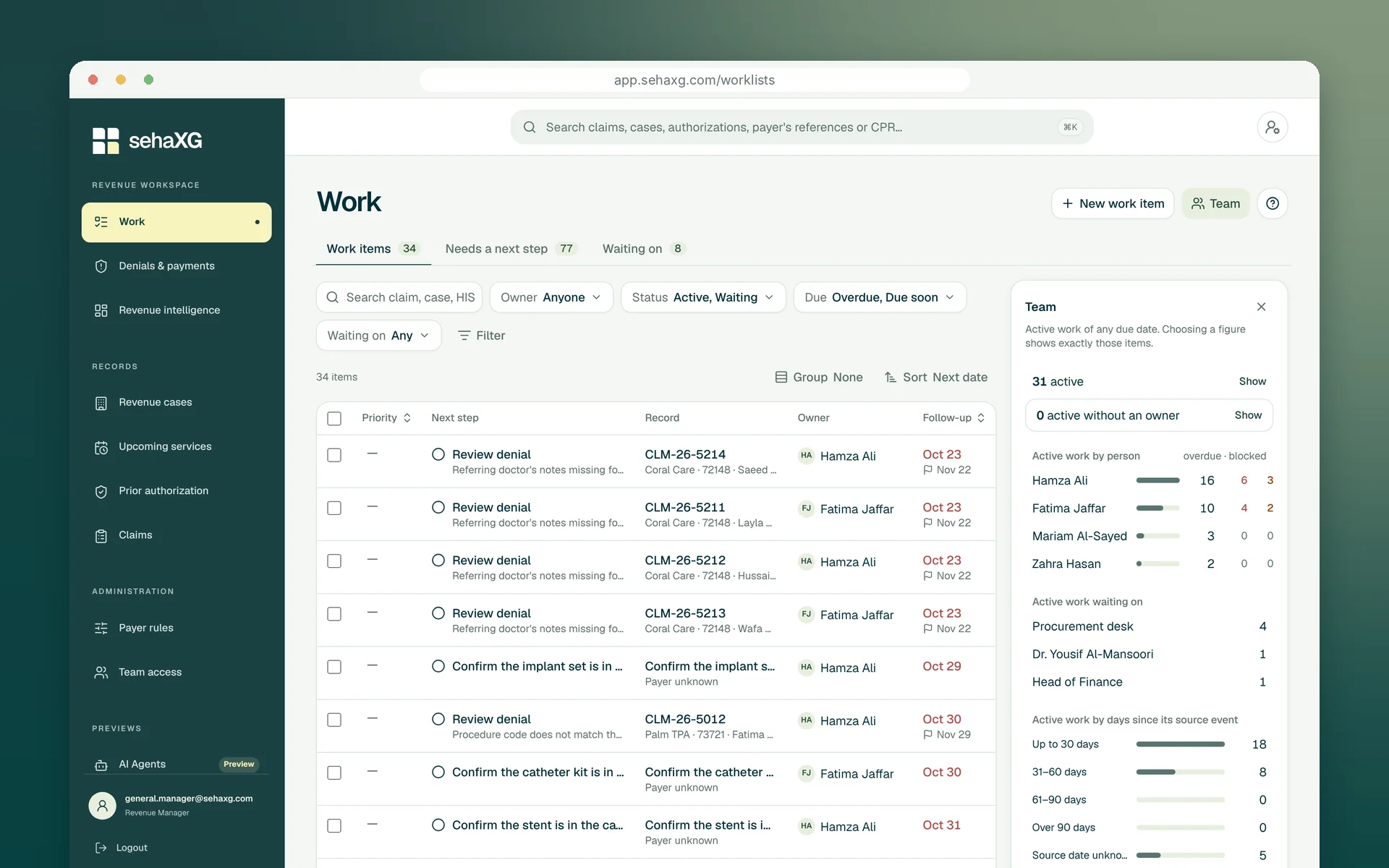
Owned work first
The case an agent works on already has an owner, a next step and a follow-up date. When the agent finishes, the next step moves on; when it can't, the case goes back to its owner with what the agent found.
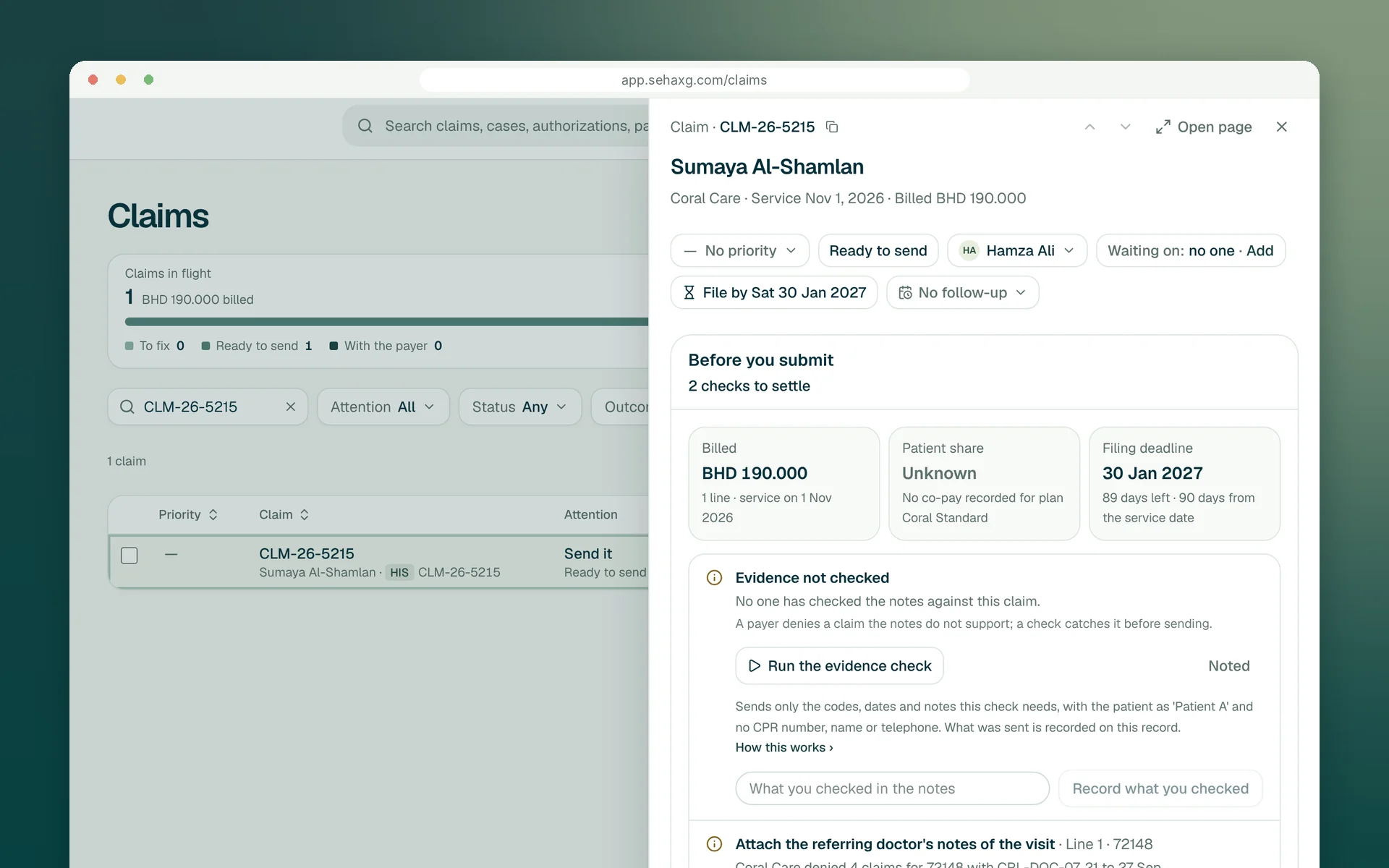
Your rules first
Before anything goes to a payer, the same checks run as for your team: the payer's rules and your learned rules. A gap an agent can't close is a task for a person, not a denial next month.
Status agent
Agents check claim, authorization and appeal statuses on the payers' digital channels and record the response with the case. A request for information becomes the next step for its owner.
Digital follow-up, with a clear record.
Case scope verified
Preparing context
The reviewer sees the evidence and intended destination before the agent continues.
Submission agent
Agents prepare the claim or authorization request from the case, attach what the checks require, and submit it digitally once it passes, or once a person approves it where your rules ask for that.
Bring the requirements into focus.
Match the requested service to the case and supporting record.
Select a requirement to inspect the next check.
Resolve the missing detail once and keep it with the case for the next team.
Appeal agent
For a denial routed to appeal, an agent assembles the letter and evidence around the payer's reason and submits it once approved, keeping the acknowledgement with the case. Clinical and settlement decisions stay with your team.
Turn the evidence into a clear response.
Use the payer’s reason to shape a relevant response.
Select a requirement to inspect the next check.
One review package, with a traceable link to the supporting evidence.
A little more clarity
The case owner. Agents act on cases that already have an owner, a next step and a date, and everything an agent does is recorded on the case. What it can't finish returns to the owner.
Yes. Before an agent submits, the same checks run as for your team: the payer's rules and the checklist rules your managers approved from your own denials.
They check claim and authorization statuses, and prepare and submit claims, authorization requests and appeals through digital channels, inside the cases your team owns. They stop for a person wherever your rules say so, every step is recorded with the case, and they don't make phone calls: a case that needs a conversation goes to its owner.
Your team sets the approval points for each workflow. A reviewer can see the evidence, the request and the checks before the agent performs the approved digital submission.
Let’s move forward
Bring the status checks and submissions that take your team's day. We'll show where agents fit, on cases that already have owners and rules.
Request a demo